

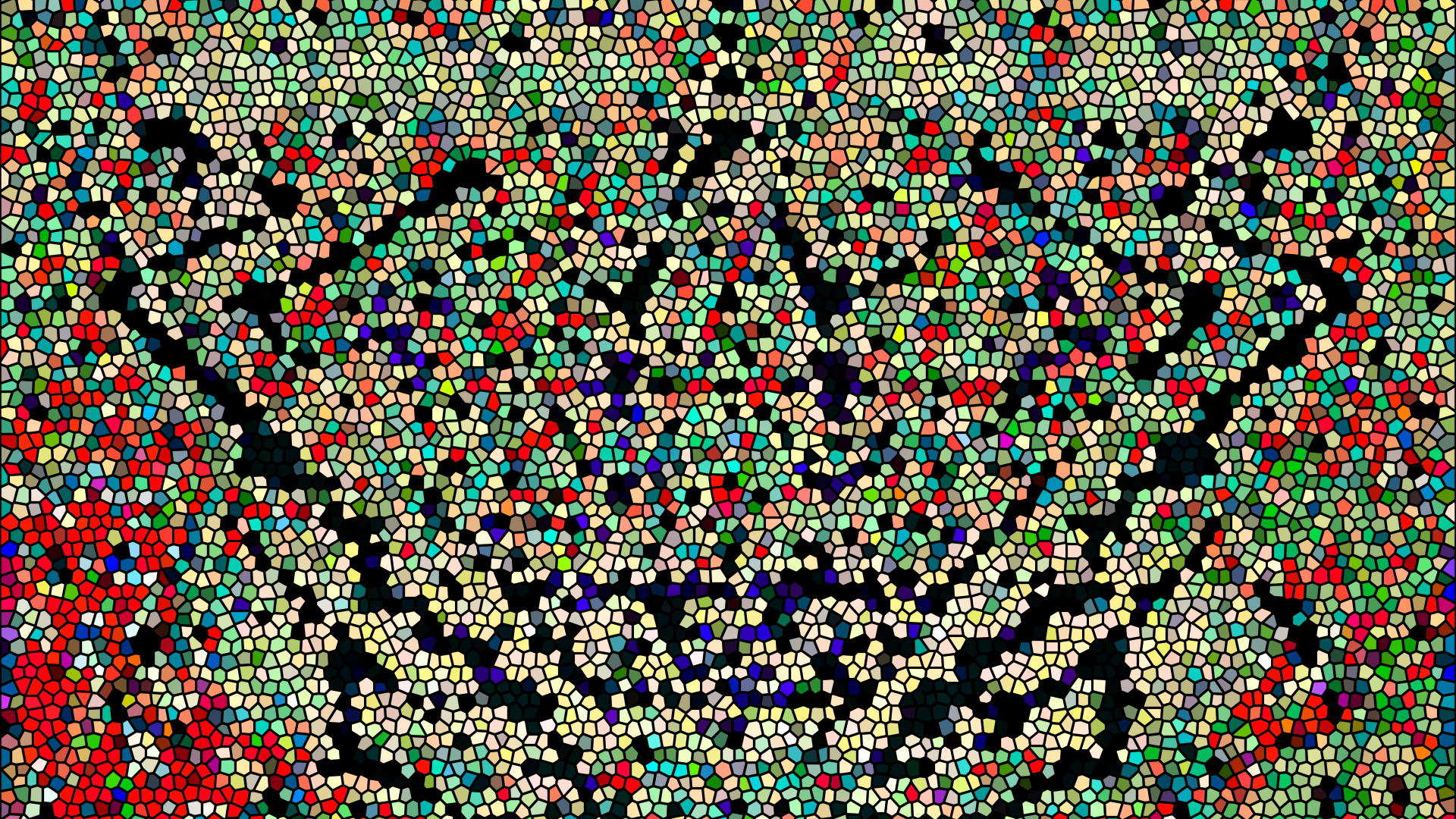
I’ve done portraits in the past and it’s always been a challenge. This time, I want to approach it head on and try to master making them without stressing out too much. I want to feature portraits on my YouTube channel and also in the shop. For my mixes, I would love for the person to stare at the camera and do a small gesture, like winking. I’ve dabbled with small animated effects for my art in the past, mostly with Sony Vegas. This time I will be working with After Effects. I think it should be easier since I’m not doing anything complicated, just simple keyframe tracking
I did a small test and everything looks good. So… Here’s how I’m going to do it. Use two base images of a person. Add my blends to one of them while recording the design process via scripts in Paintshop. Add that script to the second image base. Then pop those images into Affect Effects, add some motion, music, and viola! Simple… Of course I go could deeper into this but time is definitely not on my side to do anything complex.
I think of the time when I made the video years ago where I had to apply my art script to 3000 frames. It took a long time to get that done. I definitely don’t want to do that again though I suppose it might be a lot easier to make those types of videos now. It’s been a while but it’s great to jump back into making videos.
For the base image, I will be using stock images I find online and post them here so you can see the start and end points. Portraits are the same as drawings but instead of starting with a blank canvas, I’m starting with an image of someone.
 No products in the cart.