

A Conversation with Purple and Exhaustion
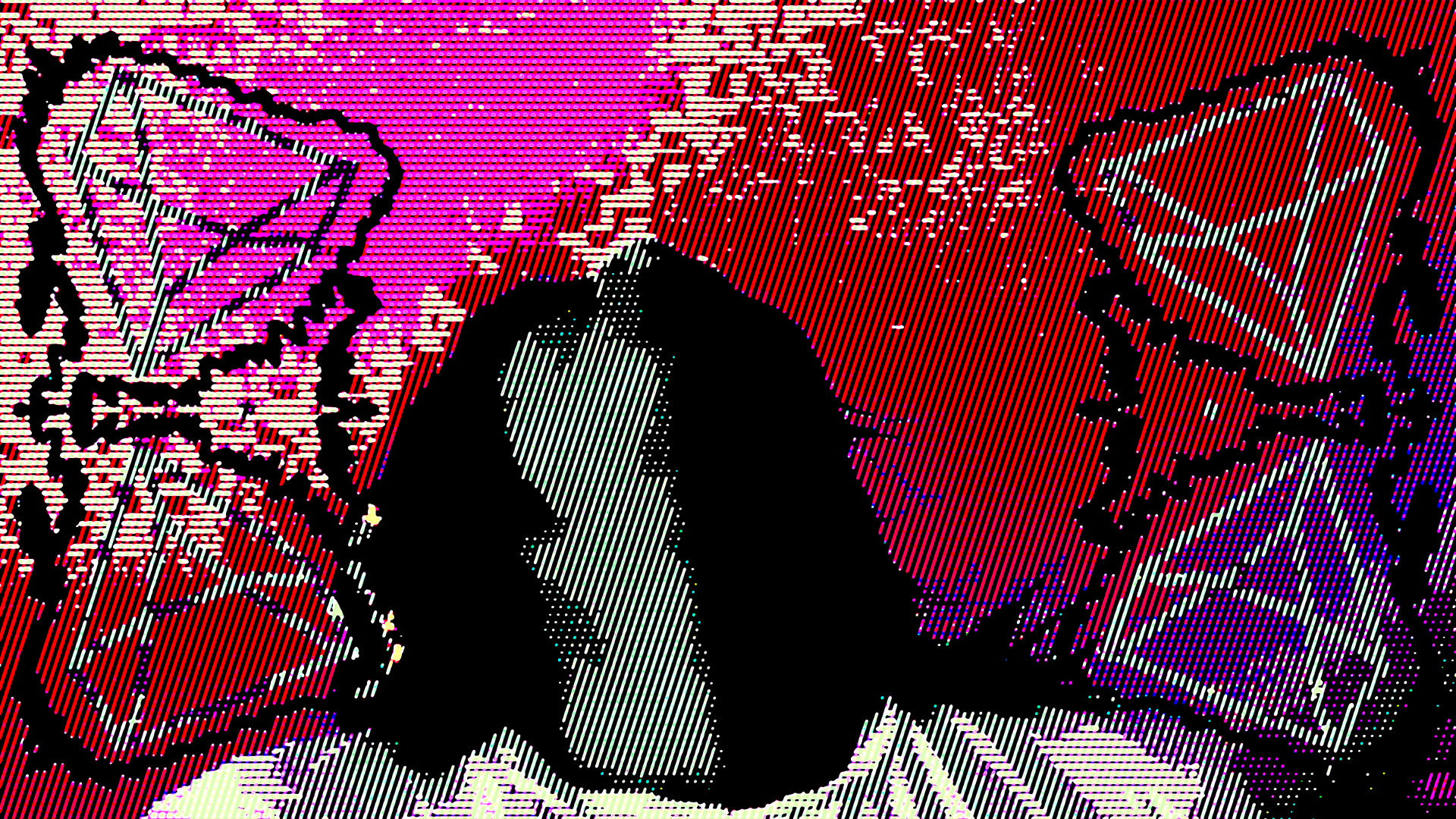
Here’s the alternate version of weekly mix for this week. Honestly, this one is my favorite. Mainly because of the red and the textures. I thought the main version that you see for the weekly video was more suitable to use in that situation.
I didn’t go into too much detail on the weekly blog post so I’ll do that here. The process to make these types of videos is relatively simple. I added my design to every frame using actions in Photoshop. This is called scripts in Paintshop and I mainly used Paintshop until this project to make videos like this one. I normally use “undo” when working with layers and blends, Just to test things out and be able to swap different blends together at any given second. I was able to do this and still record the script with no problem. This time, I had an issue.
Now… it’s been years since I made a video like this one so I know apps update and change things often so I think that might be the reason why I can’t record scripts the way I used in Paintshop. I’ve tried several different methods to get it to work but there were constant errors. So I thought to create a base canvas in Paintshop that I can work with in Photoshop and see if the scripts work better there. But… it didn’t at first. It doesn’t even record any time I use undo and there’s a problem with layers as well that can be easily overlooked. You can’t start over in the same session. You have to quit and Paintshop and start over because of the layer names. Now, I’m thinking if I want to use Paintshop again, I have to do that. However, I can batch design placement on frames in Photoshop and I’m pretty sure you can’t do that in Paintshop so I’m going to stick with Photoshop for any future projects. Batching would make life so much easier and simpler. It took me three weeks to add my design to 1500 photos (frames).
Break it all down: I record a video. I used an app to convert the video to jpgs. I add my design to every photo. I create a jpg sequence in After Effects and then I edit the video from there.
Sounds super simple. However, since I’m recording myself making the design through actions, if I make a mistake that results in an error, either I have to start over or try to fix it where the error occurred in the recording. I could stop and start, checking midway, but if I’m in the zone making a design, I don’t want to do that. I don’t even think to do that, lol.
This video was my third attempt. Each one had a different design featured and each recording had an error that I couldn’t fix without starting over again. The first time I was using undo, not knowing that the script didn’t record those actions. The second time, I started over without quitting Paintshop and that messed up all the names of the layers which resulted in an error. The third and last attempt had an issue at the end that I was able to fix since it didn’t result in an error. I could have batched all 1500 frames if the issue didn’t occur. I plan to do that the next time for sure. The second version was perfect. The design was hot and I’m still hurting a little inside that I messed that one up.
I was truly frustrated by the third attempt since I made a new design each time. I thought if it didn’t work, that’s it. And here we are…
For some context: I recorded myself sitting on my sofa. I wanted to do small actions throughout the video, instead of just opening and closing my eyes. I am shocked that I managed to finish this video, along with all the content within my deadline. It’s not perfect but a great new beginning.
At the time of recording, I was thinking about the journey. Having my head fall back was just an impromptu action. There’s a deep sadness surrounding this journey that is hard to hide at this point. I’ve been severely depressed for years and I think doing this challenge has made things worse. I will continue until I break.
- Video made by moi: Katherine B. (KATCLUSE)
- Art made in the video was created by moi.
- (Moi is “me” in French ❤️)


 No products in the cart.